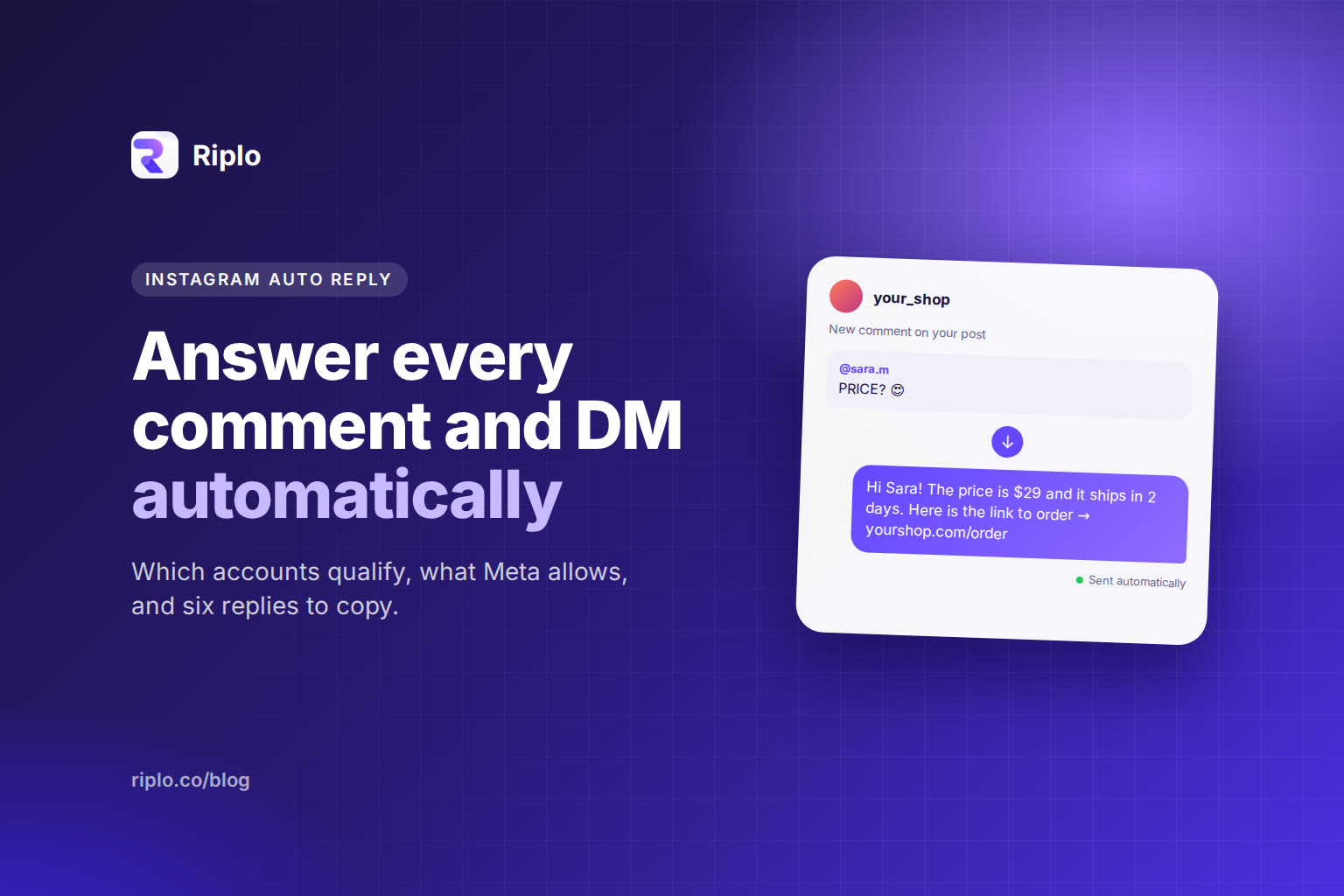
Short answer: Instagram auto reply is a message you write once and send automatically when someone DMs your account or comments a keyword. It works on Instagram professional accounts (business or creator) through Meta's official API. Personal accounts are not supported by that API.
Which accounts can use auto reply
Meta's documentation says the people using an app with the Instagram API must have an Instagram professional account, "for a business or creator". Personal accounts are not supported.
If your account is personal, the first step is switching it to a professional account in Instagram's settings. That change is free and does not change your followers or posts.
Two kinds of auto reply
Reply to a direct message. Someone writes to you, and your tool answers with a prepared message. Meta's documentation says an app can use the API to respond within 24 hours of the person's message.
Reply to a comment, in the DMs. Someone comments a keyword under a post or reel ("PRICE", "LINK"), and your tool sends them a private message. This is called a private reply, and it has its own rules, below.
What the rules say
| Situation | What Meta's documentation says |
|---|---|
| Answering a DM | Your app can respond within 24 hours. |
| A person needs a human after that | The Human Agent feature lets a human reply using the human_agent tag within 7 days of the person's message. |
| Private reply to a comment | Send it within 7 days of the comment. |
| How many messages per comment | "Only one message can be sent to the commenter." |
| Follow-up after a private reply | Allowed only if the person replies, and it must be sent within 24 hours of their response. |
| Comment on a Live | The private reply can only be sent during the live broadcast. |
Two practical consequences. First, a comment-triggered DM has to carry everything the person asked for in one message: the price, the link, the next step. Second, you cannot keep messaging someone who never answered.
How to set it up with Riplo
- Connect your professional account through Meta's official login. Riplo does not ask for, or store, your Instagram password.
- Create a rule. Choose when it fires (a keyword in a comment, or a message), then write the reply.
- Test it from a second account before it goes live. Comment the keyword and read the reply the way a customer would.
- Watch the results in the panel and rewrite the replies people ignore.
The free plan has no time limit and needs no card. Start free and build your first rule in a few minutes.
Six replies you can copy
Change the words until they sound like you.
- Price: "Hi! Thanks for asking. The price is [price]. Here is the product page: [link]. Want me to hold one for you?"
- Shipping: "Hi! We ship within [days] days. Delivery to [area] takes [time]. Tell me your city and I will confirm."
- Availability: "Good news, it is in stock in [sizes/colors]. Which one would you like?"
- Giveaway entry: "You are in! Winners are announced on [date] in our stories."
- Link request: "Here is the link you asked for: [link]. If anything is unclear, reply here and a person will answer."
- Out of stock: "That one is sold out right now. Reply WAITLIST and we will message you when it is back."
For nine more, with the reasoning behind each, see Instagram DM templates that get a reply.
Mistakes that make auto replies fail
- Sounding like a system. "Your request has been received" gets ignored. Write the way you talk.
- A bare link. Say what the link is and why they want it.
- One reply for every keyword. A person who asks about shipping and gets a price reply stops trusting the account.
- Replying to automatic messages. If your reply can trigger another automatic reply, you can create a loop. Keep rules specific.
- Promising what you cannot do. If the reply says "a person will answer", someone must.
Frequently asked questions
Can I use Instagram auto reply on a personal account?
Not through Meta's API. Meta's documentation says personal accounts are not supported, so switch to a professional account first.
How many automatic messages can I send per comment?
One. Meta's documentation allows a follow-up only if the person responds, and within 24 hours of that response.
Do I need to give a tool my Instagram password?
No. A tool that uses Meta's official API asks you to log in with Meta and approve permissions. See what Meta allows for the permissions involved.
What is the difference between auto reply for DMs and for comments?
A DM auto reply answers a message someone sent you. A comment auto reply answers a public comment with a private message. The comment version has the 7-day window and the one-message limit.
Keep reading
- Instagram DM automation: the complete guide
- Turn Instagram comments into DMs automatically
- What Meta allows for Instagram automation
- Riplo's automatic DM feature and automatic comment replies
Sources: Meta's Instagram Platform documentation on private replies and the platform overview.